


Buying a TV means sorting through confusing acronyms and marketing claims. Here is how to choose the right size, panel type and features for your room, budget and favorite kind of viewing.
Choosing the Right Screen Size
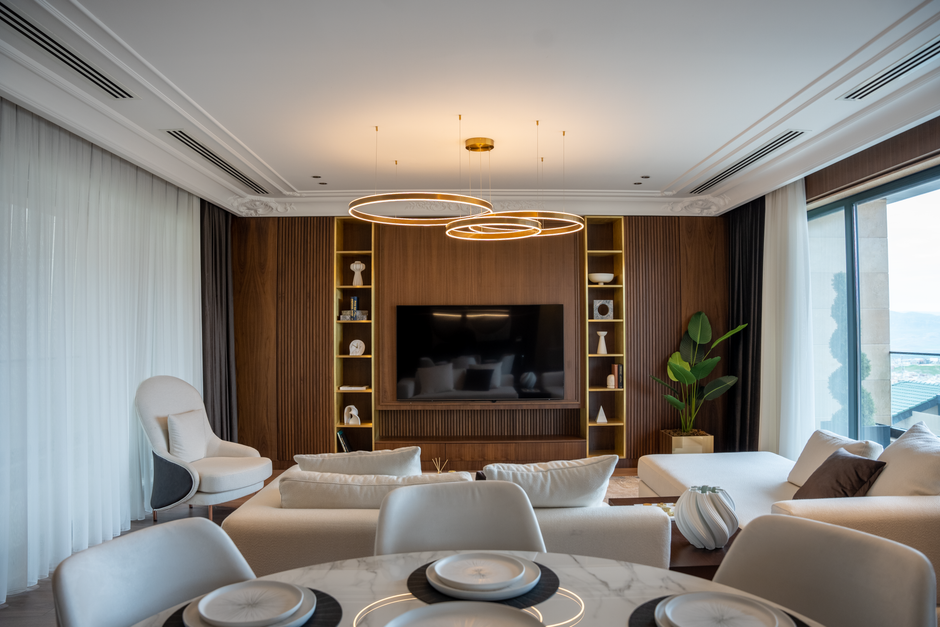
Screen size should match your room and viewing distance. A screen that is too small feels underwhelming, while one that is too large for a small room can be uncomfortable and make you move your head to follow the action.
A common guideline for 4K TVs is to sit roughly one to one and a half times the screen size away. For example, a 65-inch TV works well at about six to eight feet, which suits many living rooms.
Most people who upgrade say they wish they had chosen a larger screen. As long as it fits the space comfortably and your budget allows, going one size up often delivers more satisfaction over time.
Measure the space before shopping. Check the width of your TV stand or wall area, the location of outlets and cable connections and whether furniture or windows could create glare on a larger screen.
Consider how you will mount or place the TV. Wall mounting requires checking VESA compatibility and wall structure, while placing it on a stand requires confirming the stand dimensions and the TV feet placement.
Understanding Panel Types
Most TVs use LCD panels with LED backlights. They are bright, affordable and available in every size, making them a practical choice for many households, especially in bright rooms.
Quantum dot TVs, often marketed with names like QLED, add a layer that improves color and brightness. They can produce vivid images and perform well in rooms with lots of natural light.
Mini-LED backlights use thousands of tiny LEDs divided into many dimming zones. This improves contrast by dimming dark parts of the picture while keeping bright areas vivid, narrowing the gap with more expensive technologies.
OLED TVs produce light at the pixel level, allowing each pixel to turn off completely for perfect black levels. They offer excellent contrast and wide viewing angles, which makes them popular for movies in darker rooms.
OLED panels have historically been less bright than the best LED models and can be susceptible to burn-in from static images over very long periods. Modern models include protections, and normal varied viewing rarely causes issues.
Your room lighting should guide the choice. Bright rooms with lots of windows often benefit from high-brightness LED TVs, while dedicated media rooms or evening viewers may prefer the contrast of OLED.
Resolution, HDR and Refresh Rate
4K resolution is now standard on most TVs above small sizes and offers plenty of detail for streaming and gaming. 8K TVs exist, but very little content is produced in 8K, so the benefit is minimal for most people.
High dynamic range, or HDR, expands the range of brightness and color a TV can display. Good HDR performance depends on brightness and contrast, so a TV that supports HDR formats may not necessarily display them impressively.
Common HDR formats include HDR10, Dolby Vision and HDR10 plus. Support varies by brand and streaming service, so check which formats your favorite apps use if you care about the best possible picture.
Refresh rate affects motion clarity. A native 120 hertz panel produces smoother motion for sports and video games than a 60 hertz panel, and gamers benefit further from variable refresh rate support.
Gamers should also look for HDMI 2.1 ports, low input lag and an automatic game mode. These features let modern consoles run at higher frame rates with minimal delay between controller input and on-screen action.
Be cautious with marketing terms that inflate refresh rates. Some brands advertise effective or motion rates that are higher than the actual panel refresh rate, so check reviews for the true native figure.
Smart Features and Sound
Every modern TV includes a smart platform for streaming apps. Interfaces differ in speed, ease of use and app selection, so try the menus in a store if possible or read reviews about the software experience.
Consider how long the manufacturer updates its software. Smart TV platforms can become slow or outdated, but you can always add an external streaming device later if the built-in system ages poorly.
Review privacy settings during setup. Many TVs collect viewing data to personalize ads and recommendations, and you can usually limit this tracking in the privacy or advertising menus.
Thin TVs have limited space for speakers, so built-in sound is often underwhelming. A soundbar is one of the most effective upgrades, improving dialogue clarity and adding fuller sound for movies and sports.
Check the number and type of HDMI ports. If you connect a soundbar, game console and streaming device, you will need enough ports, including one that supports enhanced audio return for the soundbar.
Getting the Best Value
TV prices often drop significantly during major sales events and in the months after new models launch. Previous-year models frequently offer most of the same features at substantially lower prices.
Compare models within the same brand carefully. Manufacturers often sell several series with similar names but different panels, brightness levels and features, and the differences can matter more than the size.
Read professional reviews that measure brightness, contrast and motion performance. These tests reveal how a TV actually performs rather than relying on specification sheets and showroom impressions.
Be cautious about extended warranties. Modern TVs are generally reliable, and many credit cards extend manufacturer warranties automatically, so check what coverage you already have before paying extra.
The best TV for you balances size, picture quality and features within your budget. Focusing on your room, viewing habits and the content you watch most ensures you choose a TV you will enjoy for many years.